Prototyping the Immersive Experience
360 3D Content
Exporting your projects using a 360 degrees setup creates a more interactive way for viewers to view your work, rather than a static camera that is preprogrammed restricting your view. A beneficial feature about 360 degrees content, is that not only can it be viewable on basic device screens through YouTube, but it can also be viewed through a virtual reality headset to make the user feel fully immersed within the scene. Because modelling programs such as Blender allow for the creation of complex shapes, using the 360 degrees camera technique in these would allow for much more advanced scenes to be made as there is around 4 times more that the viewer could look at whenever they want to.
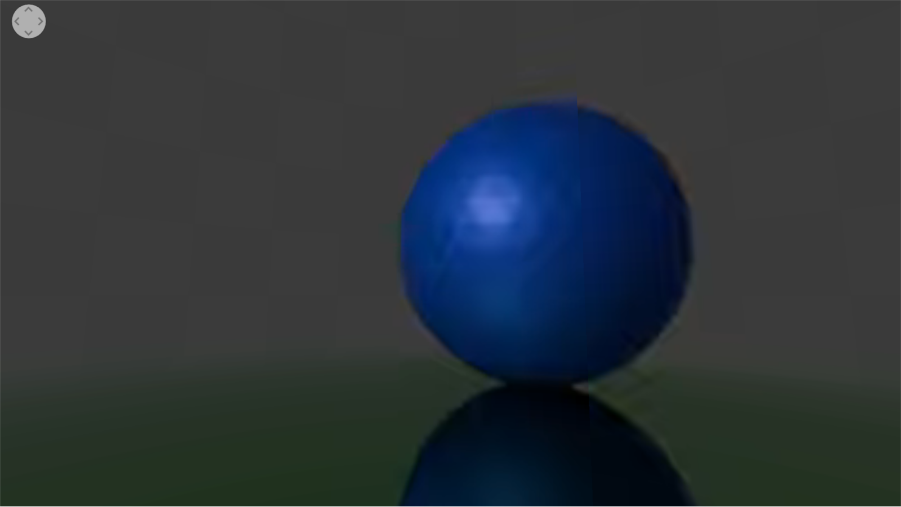
To experiment with this, I made a basic scene with coloured shapes surrounding where the camera would be positioned. This was simple enough, however when trying to create a 360 degrees video, I initially faced a major problem of that it was never working as a 360 interactive video. The view was visible but not interactive as I could not drag to look around. Eventually, I found that the default Windows 11 applications were not seeming compatible, but VLC Media player worked. Using VLC, I was able to look around the scene by dragging along with using the scroll wheel to zoom my field of view in and out. Once you know how it needs to be setup, it is relatively simple to work with, as then it is just designing and animating your scene like normal.
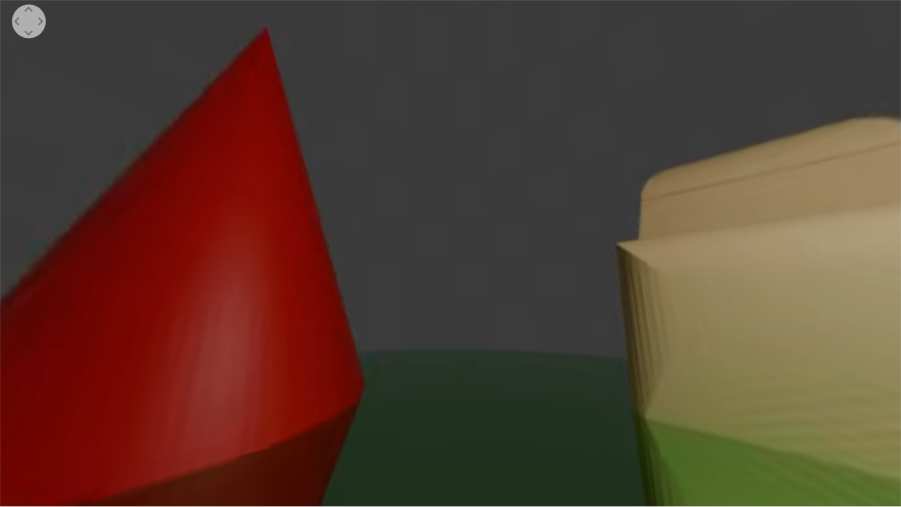
360 degrees content does not have too many negative ethical effects, as they are usually viewed as a video on your screen. The biggest effect would be the environmental impact, as rendering 3D scenes in a high resolution will use a lot of computing power over what could be a very long time depending on the length of animation and size of the scene. This created scene was rendered at a low quality which also helps to save processing time and power. It could be hard for a user to become addicted to these, however viewing them in VR could pose more of a risk than viewing them on a screen as having free access on YouTube means that there are almost endless possibilities of what could be found.
FrameVR
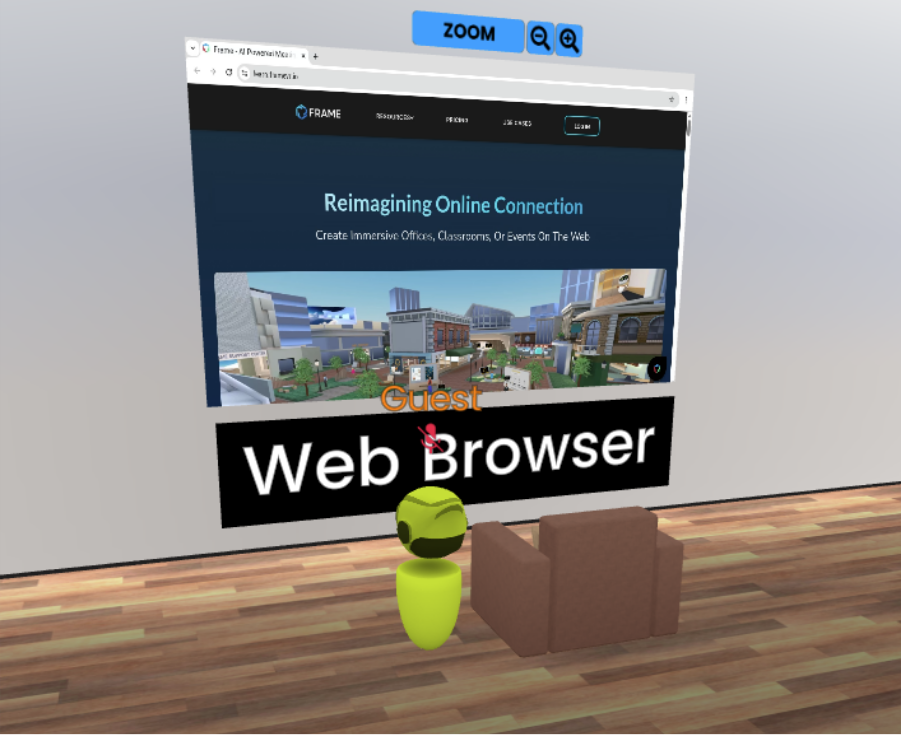
FrameVR is a free, online website that can be accessed through smartphones, computers, and virtual reality headsets. It can be used to display 2D images and videos, 3D models, along with text and other features in a setting of your choice. This is a unique way that your portfolio of work can be displayed as the viewer can walk around a gallery of your work and interact with objects to engage in a more interactive and interesting way of seeing your work. Websites can also be displayed within this gallery, meaning that if you already have something online, you can implement it within this new form of portfolio too.
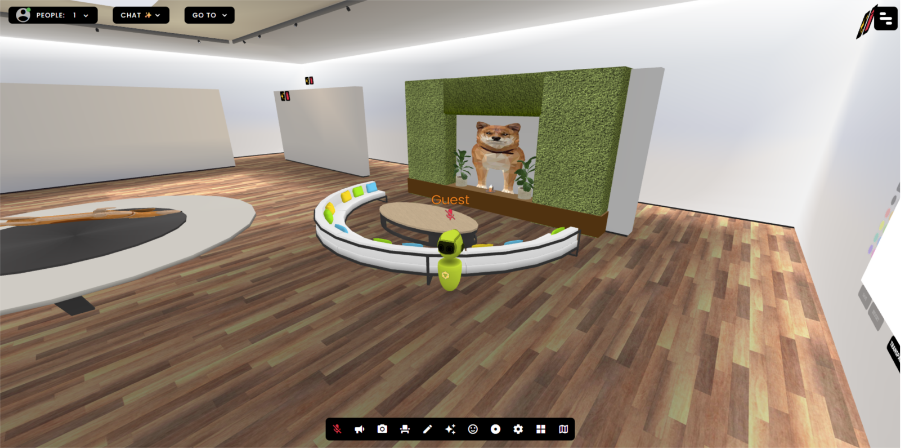
Furniture such as chairs, lights and plants can be added into the scene to make it feel livelier and more colourful than just having your work spread across bland walls. Because multiple people can explore the scene at a time, having furniture placed around can make it seem more like a community setting where viewers can go to enjoy themselves like a real-life gallery.
When a player is within a scene, they can enable both their device microphone and camera to interact with other users that do the same. If an employer was looking through your work, this would be a useful feature to help explain the designs and have a better connection with the employer rather than them looking through a website by themselves or over a screenshare for example.
Although this is not a feature I will use within this project, having the ability to use this for later portfolios will be useful as an alternative way to display work in a more interactive way. With it not being a conventional method of showing work, it could become less accessible to some users especially if they are not very familiar with using technology like this as it could be seen as more of a game.
Immersive User Experience and Augmented Reality
8th Wall
8th Wall is a website that allows for the creation of easy Augmented Reality experiences using their web-based builder. Users can interact with the build by image tracking, QR codes, and simple links. Their website has a main page with many available pre-made projects for different campaigns such as advertising filters and companion programs for museums and books for example.
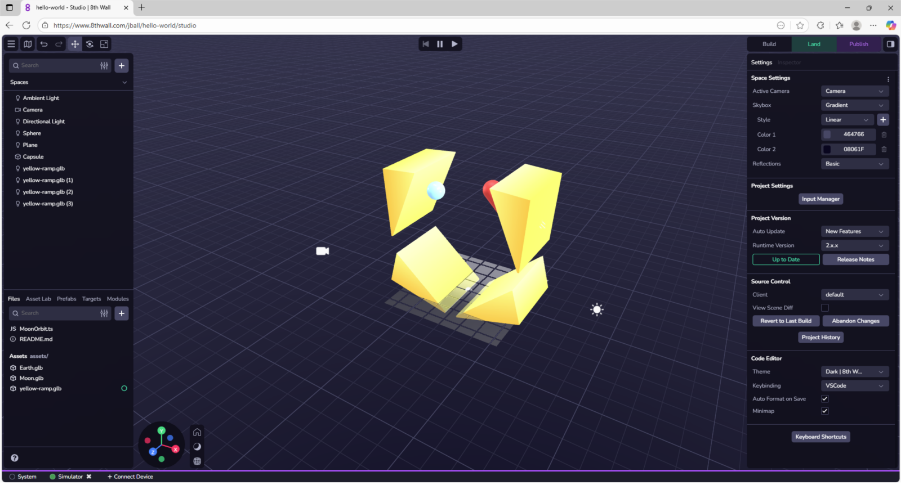
Once you have made a scene/experience in their builder, you can press play to test on your browser and connect a device by enabling a developer link where you can then test it on your phone. The experiences can be made up of imported 3D models, basic in-program shapes, and imported images. Cameras, lighting, and object physics can be individually added to the scene and objects to create a dynamic environment. This example shown uses object collisions and the use of the “rigidbody” property. Setting the triangles to static and the ball and capsule to dynamic means that they can move around and bounce off the triangles which stay in position. The camera has been set to track the ball, meaning when the experience is played, the user’s view is constantly tracking the ball’s movement. Objects can also be animated to create specific movement, giving the developer the ability to create events that the user can view.
This will be what I should use to create my AR experience. Using custom QR codes or images to open the app will be necessary for users to easily access it, and because it is an online app for both using and creating, it will be easy to access for me while creating it even if I need to on a different device while not home. If for some reason the AR app does not work, translating this idea into a 360 degrees modelled space could be a backup and creating a full scene instead of mixing assets with real life.
VR Immersive Art
VR Art allows users to create scenes and paintings in a 360 degrees view using their in-hand controllers. This allows the user to draw and create much more freely in a 3-dimensional space. Out of all previous technologies, Virtual Reality disconnects the user the most from real life as they become surrounded by a new world of their choosing. Although this could be good for small, short periods, users could become too distant from real life, causing them to be socially isolated. Partial workarounds to this can be multiplayer VR apps where you can still talk and socialise with other users, however it can still be unhealthy to spend too much continuous time with a headset on as it can make some users feel disoriented and sick while using it or after taking it off.
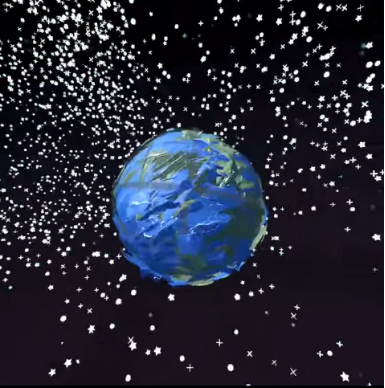
I am not a natural painter, so having a 3-dimensional canvas in Open Brush was quite hard to get an idea for. A space scene ended up being created using the star brush and basic spherical shape tools. The sphere shapes were used as a template to paint around, where I was able to experiment with brush types and sizes to create different textures on each planet. I never figured out how to move/resize painted objects, however I did eventually find how to resize the whole scene. This was helpful for showcasing the scene through the video, where it also makes the shape of the space that I was in a lot more prominent by seeing how the stars were aligned.
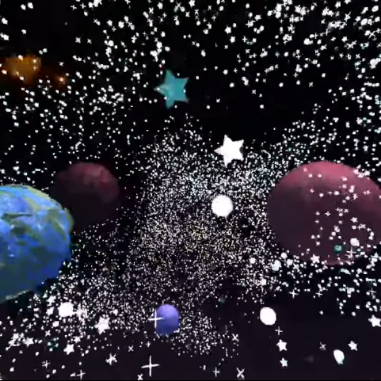
I was in quite a restricted space area, so using the teleport tool was helpful to get to different angles and areas of the canvas along with making sure all sides of the planets were complete. Having this as a feature in VR apps is one of the most helpful features, as it allows users in any space restricted area to explore apps and use their full potential. It can also be less disorientating than walking around as you could “get lost” or increase the safety risk as you could trip over or bump into something.